Press & hold volume-, then plug phone with micro USB cable to pc, this will enter fastboot autmatically. Press & hold volume- and power buttons. Some phones (like Y560) enter fastboot from recovery menu. At power down state, press volume plus button and power button at the same time until the phone power up. Download Another Huawei FRP Unlock Tool. Rar Password: Star Mobile Care. By now, you should have all the relevant information regarding the topic. As you can see it is pretty easy! All you need is a Huawei FRP Fastboot Bypass Tool, which is also very straightforward to find. Plus, thanks to our article, you should have a strong. Huawei FRP Remove Tool.Download:- video is only and Only For Educational purposes.We and our Channel will.
>>FRP unlock does not unlock Bootloader!<<
>>FRP unlock does not change FRP lock status in fastboot!<<
WARNING 1: FRP can be unlocked only when phone is fully working and not bricked. FRP unlock will erase all user account and phone data.
If your phone is bricked you need to repair it first, repair solution here
DC-unlocker can not check if phone is fully working and not bricked! Use it at your own risk if you are trying to unlock FRP on bricked phone. Credits lost in FRP unlock are not refundable or returnable to the user.
WARNING 2:
If your phone runs Android 8 or later with latest security patch then this service won't work
>>FRP unlock does not unlock Bootloader!<<
>>FRP unlock does not change FRP lock status in fastboot!<<
Download Fastboot Reset Tool
After FRP erase and restart, phone won't ask you old account details, instead you will be able to sign in with your own. FRP lock status will always show as locked in fastboot
Before proceeding with FRP unlock, make sure you have HiSuite installed on pc for phone drivers and that your mobile phone is in fastboot mode.
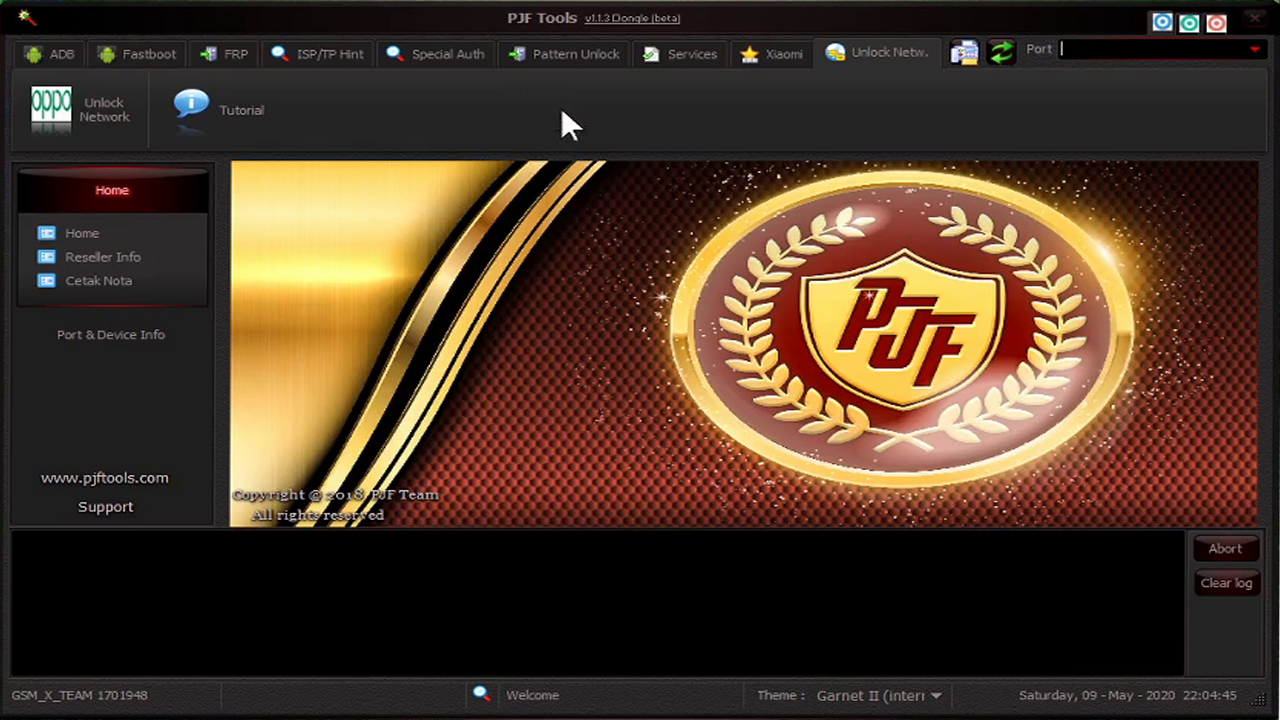
How to put phone into fastboot see steps below, if phone already in fastboot can skip to FRP unlock process steps
Put phone into Fastboot
Method 1

Phone must be turned off
Press & hold volume-, then plug phone with micro USB cable to pc, this will enter fastboot autmatically
Fastboot Unlock Phone
Method 2
Press & hold volume- and power buttons
Method 3
Some phones (like Y560) enter fastboot from recovery menu. At power down state, press volume plus button and power button at the same time until the phone power up. From recovery menu select “reboot to bootloader” to switch the phone into fastboot mode.
Method 4
Option for Huawei MediaPad T2 7.0 into fastboot
>> Download ADB toolkit <<
Extract downloaded ADB toolkit pack, open it. On top of the window click address field once and copy path
Huawei Frp Unlock Tool Download Bypass Software Fastboot
Now launch CMD by pressing windows button + R on keyboard, type in cmd and click ok
Android Fastboot Reset Tool
On cmd window type or paste in path (that we copied earlier) to downloaded and extected adb.exe and press enter on keyboard
To check if you are in the right directory type 'adb' in command window
You will get list of supported commands if you specified directory of adb.exe correctly
Now mobile phone is ready to be connected to PC. After connection, if you see any authorization messages make sure you click OK/Next
Open CMD window and type in 'adb devices', you will see your device there which means it's ready to be put into fastboot
Type in command - 'adb reboot-bootloader' and press enter
Wait until phone restarts into fastboot mode
Now it's ready for unlock process
FRP Unlock
Launch DC-unlock client software
Select Huawei phones from manufacturers list, leave model on auto detect (recommended) and press detect button - magnifying glass
Wait for phone to be detected
Open Server tab, enter your username and password that you received after credits purchase. Click 'Check login'. (you can buy credits here www.dc-unlocker.com/buy)
Now open 'Unlocking tab' and click 'Factory Reset Protection Erase' button
Wait for FRP to be unlocked
Spd Fastboot Frp Tool
After unlock phone will restart and boot into device set up screen
Fastboot Frp Unlock
If you want to Disable FRP click here for step by step guide